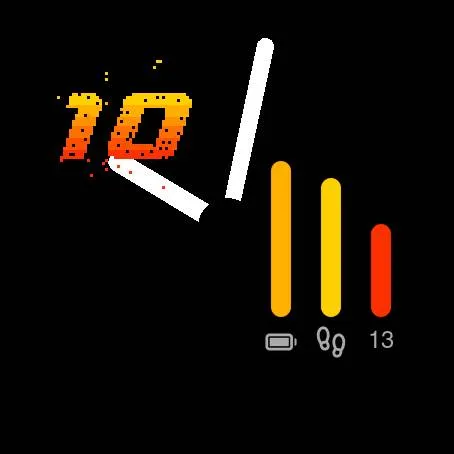
Watch the hour dissolve
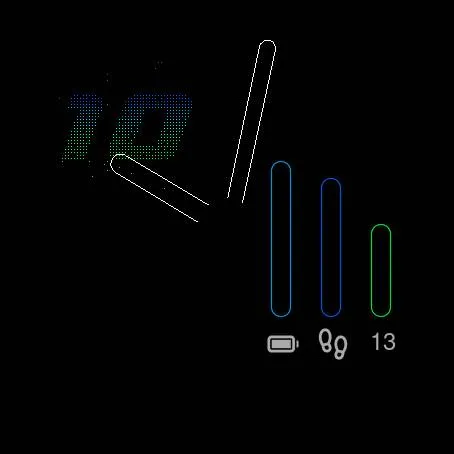
On the hour the digits are razor sharp. Minute by minute, blocks drift away into noise. At half past there is nothing left but static. Then the next hour takes shape, block by block, until it locks in.
Garmin watch face
The hour that dissolves into pixels.
A neon pixel watch face for Garmin that turns every hour into a small show. The hour builds itself out of hundreds of glowing blocks, slowly dissolves into digital noise, and rebuilds as the next hour arrives. Two clean analog hands keep you on time while the pixels do their thing.
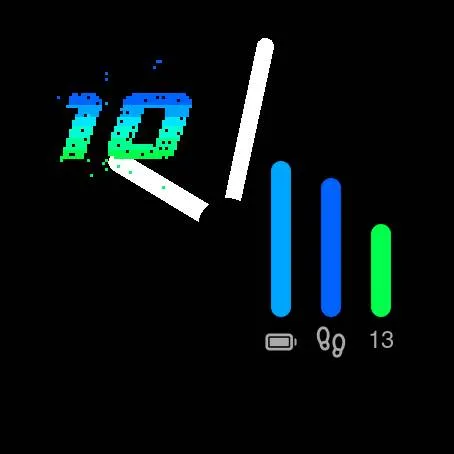
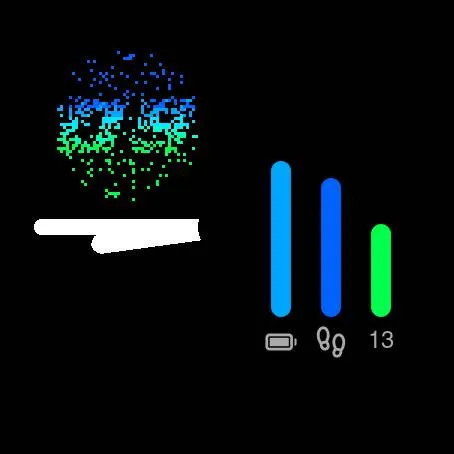
On the hour the digits are razor sharp. Minute by minute, blocks drift away into noise. At half past there is nothing left but static. Then the next hour takes shape, block by block, until it locks in.
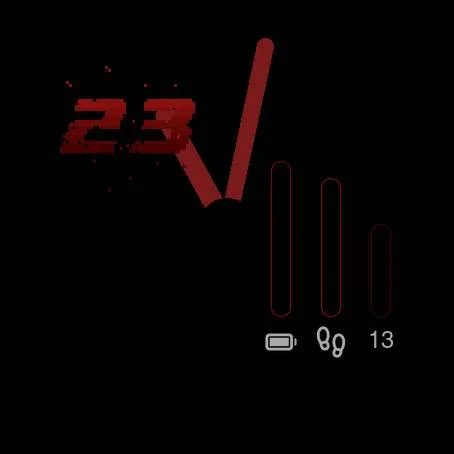
Bold white hands glide around the dial and pass behind the neon details. A 24-hour digital readout sits in its own corner, top left.
Battery level, steps toward your daily goal, and progress through the month with today’s date below it.
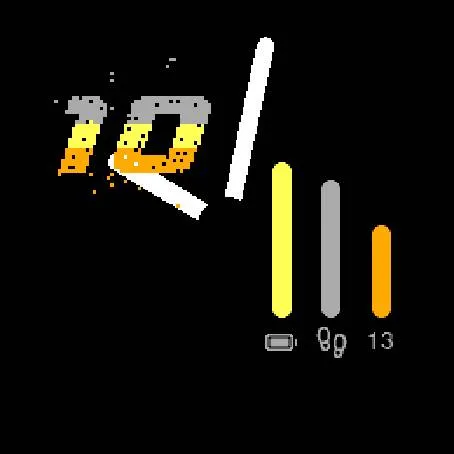
Glowing neon on AMOLED, with a battery-friendly always-on mode that shifts slightly every minute to protect the screen. On Solar (MIP) models the colors are tuned to stay bold in full sunlight.
Private by design. No permissions, no internet access, no accounts. Nothing leaves your watch.
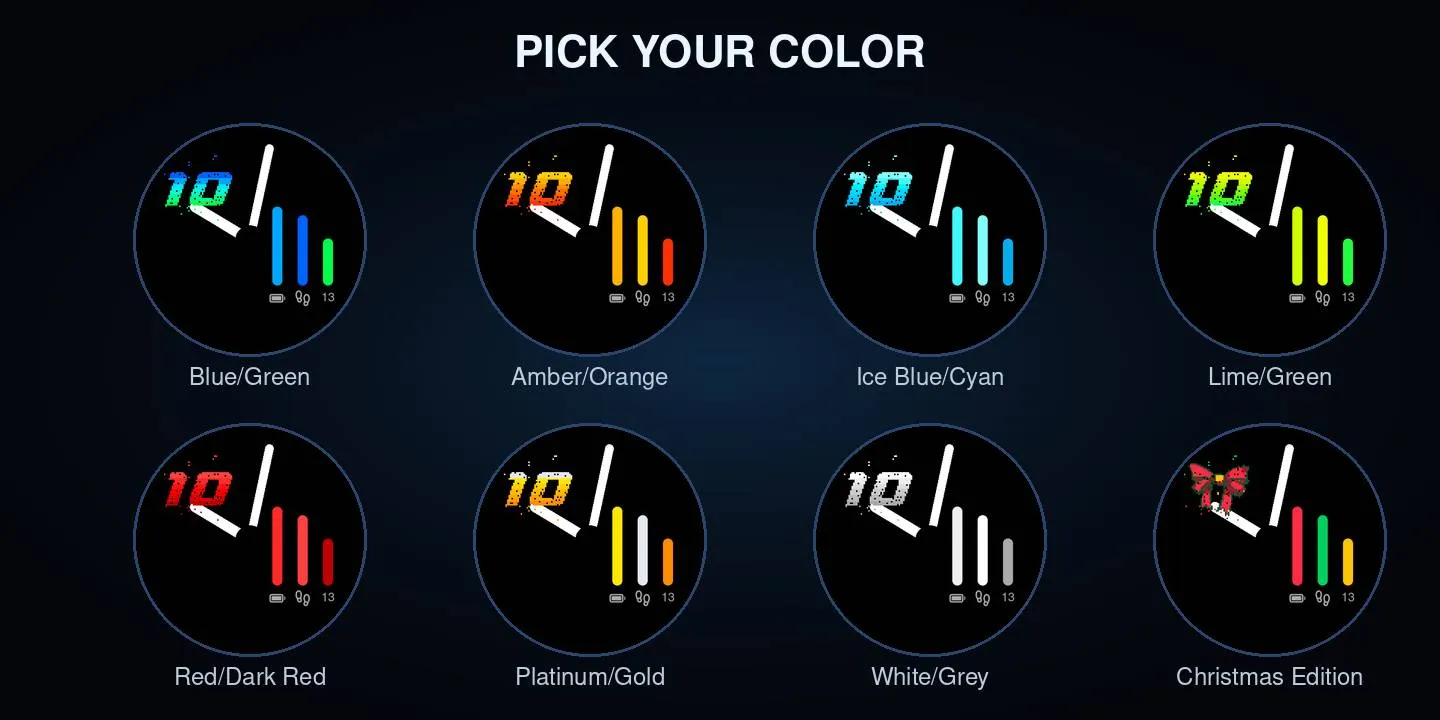
Every palette follows the same rule: saturated neon blocks on pure black. Blue/Green is free. Pro adds six more, from warm Amber/Orange to a calm White/Grey, each with its own set tuned for Solar screens.
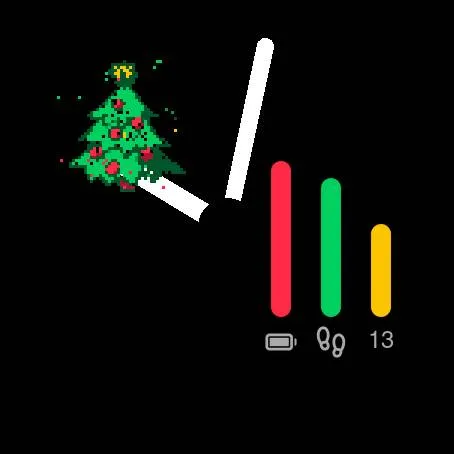
Sixteen pixel-art Christmas icons take the place of the hour. Each one rises out of the noise, a new one every hour, and never the same twice in a row.
Pro
€0
The full watch face in the original Blue/Green. Every feature works, no time limit, no nagging.
Connect IQ Store link follows€3.49one-time
Unlock the extra palettes on the watch face you already have installed. One code, no second app.
Get Inziu Entropy from the Connect IQ Store. It works fully in Blue/Green.
In the Connect IQ app, open the settings of Inziu Entropy. Your Device ID is at the top.
Enter the Device ID on this page and pay €3.49 with PayPal. The payment goes to TeqJob (INZIU).
Your unlock code appears right after payment and is sent to the email address of your PayPal account.
Enter the code in the watch face settings and pick a Pro color.
Example values. Your Device ID and code are your own.
Install the free Inziu Entropy first. Then open the Connect IQ app on your phone, go to your watch, open Inziu Entropy under Watch Faces and tap Settings. Your Device ID is the first field: 8 characters, like K7QM 2XRP.
The code appears on screen right after payment and is emailed to the address in your PayPal account, so check your spam folder too. Still nothing? Email dw@inziu.com with your PayPal transaction ID and you will get your code by email.
No. The code belongs to one Device ID and works only on the watch it was made for. At this price it is a one-time code: for another watch you buy a new one.
Removing the watch face also clears its settings, including your code. Your Device ID stays the same, so enter the code from your email again in the watch face settings.
Yes. If the code does not work on your watch and we cannot fix it, you get your money back in full. Email dw@inziu.com with your PayPal transaction ID.
The watch face has no permissions and no internet access, so nothing leaves your watch. This page uses no cookies and no trackers. When you buy Pro, payment runs through PayPal; we keep only the date, the PayPal transaction ID and your Device ID, so we can help you if something goes wrong. Your email address is used only to send your code.
Questions, ideas or a watch that is not on the list? Email dw@inziu.com.